Mobile vs Desktop, Crash Game
How mobile vs desktop works for crash game, UPI details, realistic timings and the pitfalls to avoid.
What is Mobile vs Desktop?
When you play a crash game on a licensed crash game platform, you access it either on a smartphone or on a desktop PC or laptop. Mobile vs desktop refers to how each platform affects your speed, rendering quality, and reliability during live rounds. This is not just a screen-size difference, it determines how fast your cash-out signal reaches the server and whether the multiplier graph stutters at critical high values. For Indian players, the choice often depends on available device, internet connection type, and where you typically play.
How Mobile vs Desktop Works
The crash game engine runs server-side on crashgameindia.org: multipliers, provably fair seeds, and round outcomes are all calculated on the server regardless of your device. Platform differences appear in how your device renders the animation and delivers your cash-out signal.
Rendering and Latency
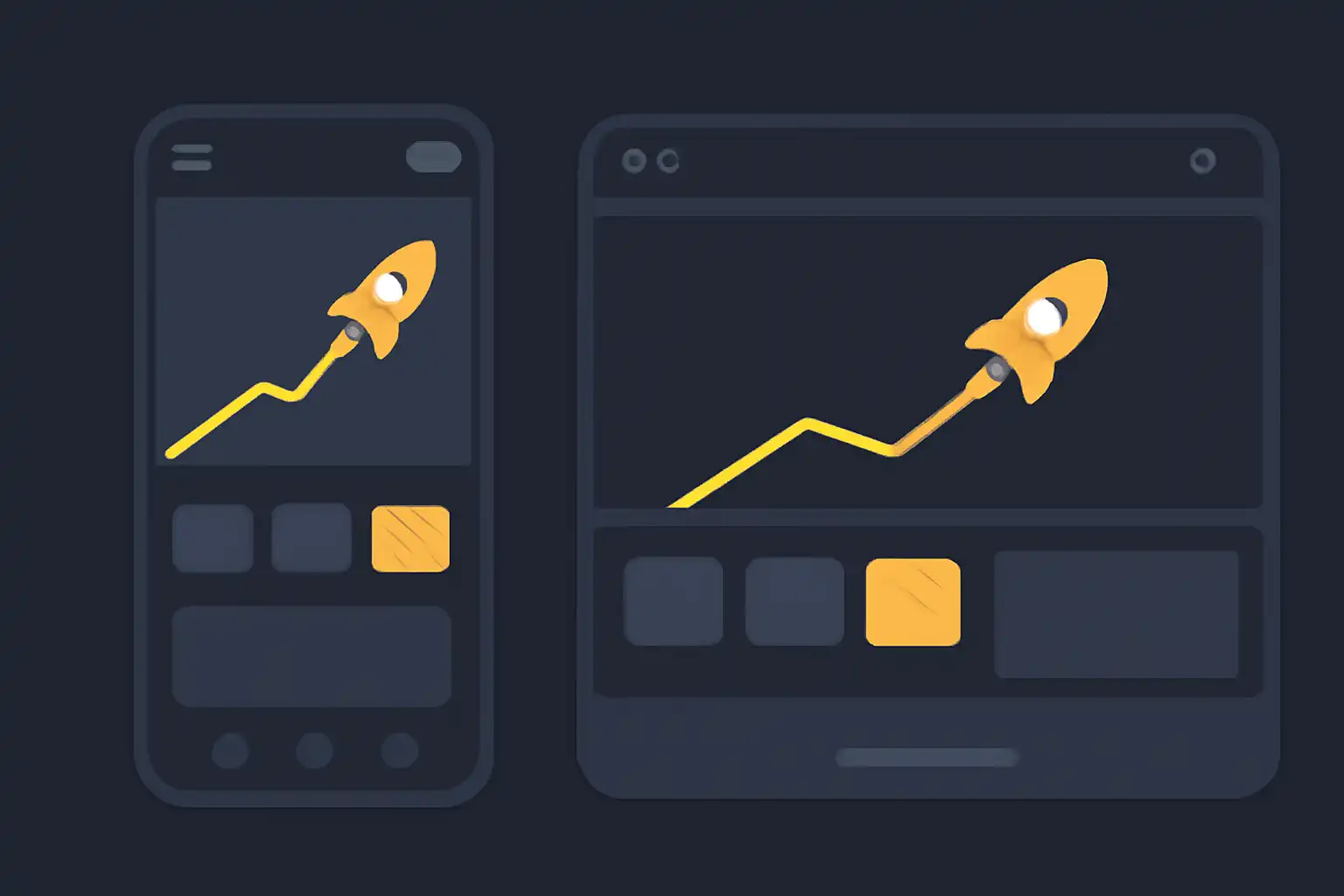
Desktop browsers render the multiplier graph smoothly with minimal CPU load. Mid-range Android devices (₹10,000 to ₹20,000 range) common in India can stutter during high multiplier runs when background apps compete for RAM. On Jio Fiber or ACT Broadband, desktop latency stays under 30ms; on 4G in Tier-2 cities it can reach 80, 150ms during peak hours, enough to miss a manual cash-out at a precise target like 1.50x.
Auto Cash-Out
Set a target multiplier, such as 1.8x, and the server executes the exit server-side, bypassing your device latency entirely. Auto cash-out is available on both platforms and is the single most effective step to equalise performance between mobile and desktop.
Simultaneous Features
Desktop displays the live bet feed, chat panel, and round history alongside the main graph at all times. On mobile these collapse into tabs, requiring extra taps mid-round, a disadvantage if you use other players' cash-out points to time your own exit.
Mobile vs Desktop for New Players
New players on crashgameindia.org benefit most from starting on desktop. Seeing the multiplier graph, live bets table, and cash-out button simultaneously helps build pattern recognition, observing how often rounds crash below 2x versus climbing past 5x, without switching tabs. Depositing via UPI using PhonePe, GPay, or BHIM works equally well on desktop Chrome and mobile browsers, so payment method is not a platform-selection factor. Enable auto cash-out from your first session and set a conservative target of 1.5x, 2.0x. This removes manual timing pressure and means latency differences between platforms will never affect your payout.
Mobile vs Desktop on Mobile
Mobile suits players who want flexibility: commute sessions, work breaks, or casual play from anywhere. On crashgameindia.org, the mobile interface scales the multiplier graph to full screen width and places the cash-out button within thumb reach. Use Chrome on Android or Safari on iOS, avoid in-app browsers opened via WhatsApp or Telegram links, as they can block auto-refresh and audio alerts.
For reliable mobile play: connect to Wi-Fi rather than mobile data where possible, close background apps like Hotstar or YouTube before a session to free RAM, and use auto cash-out whenever your signal drops below four bars. These three steps remove the main performance disadvantages of mobile and make the difference between platforms negligible for most Indian crash game sessions.